Forum themes and styling
Every forum you create can look different: layout style, color, font and your own branding, all through settings in the dashboard rather than a template you are stuck with.
None of this needs a designer or a line of CSS. Style, color, font, density and branding are all settings in the forum's own dashboard, with a live preview so you can see the result before anything goes live. This page describes exactly what is adjustable today, and skips anything that is not built yet.
Start from a set of presets
Four layout styles and eleven color themes cover most looks without any manual tweaking.
Layout style
Classic, soft, bold or compact. Each changes the corner radius, border weight and shadow depth across the whole forum, from sharp editorial corners to rounded, friendly cards, or a dense compact layout that fits more threads on screen.
Color theme
Eleven built-in palettes: the default, slate, emerald, rose, amber, violet, ocean, forest, sunset, a neon-leaning cyberpunk theme, and a muted "stale" option. Pick one and it applies across every page of the forum, from the header down to buttons and links, without touching anything else.
Typeface
Seven font presets: the system default, a serif for an editorial feel, a monospace option, a modern sans, plus rounded, elegant and grotesk styles.
Layout density
Cozy for more breathing room between posts, or compact for tighter rows that show more threads at a glance, closer to an older-style message board. Density is separate from the layout style preset, so you can pair a bold look with a compact, information-dense list of threads if that fits your community better.
Every combination previews live in the forum's appearance settings before you save, so you can compare style, color and font together without publishing anything.
Add your own branding
Presets set the base look. Branding on top of them makes the forum recognizably yours.
Logo
Upload an image or paste a URL. It replaces the default icon in the forum's header.
Tagline
A short line under your forum's name, shown wherever the header appears.
Accent color
Override the color theme's accent with your own color value, without switching the whole theme. Useful when a theme is almost right except for one color you want to match to an existing logo.
Go further with a custom palette
For forums that want an exact look instead of picking from a preset.
Pick your own background, surface and text colors, and Forumera derives the borders and muted text tones from them, so the rest of the interface stays legible against whatever you chose. This is meant for forums that want to match an existing brand exactly, rather than pick the closest built-in color theme, and it works alongside the layout style and font choices above rather than replacing them.
Icons per board
Each board can have its own icon, uploaded or linked by URL, so a busy forum with many boards is easier to scan at a glance. A support board can use one icon, an announcements board another, without touching the forum-wide theme.
Built for light and dark
Every style, color and font choice above works in both modes. These are real screens from a Forumera forum, shown in each, not mockups.
This is the actual product
Real screens from a Forumera forum. Boards, threads, polls and reactions work the moment you create yours.
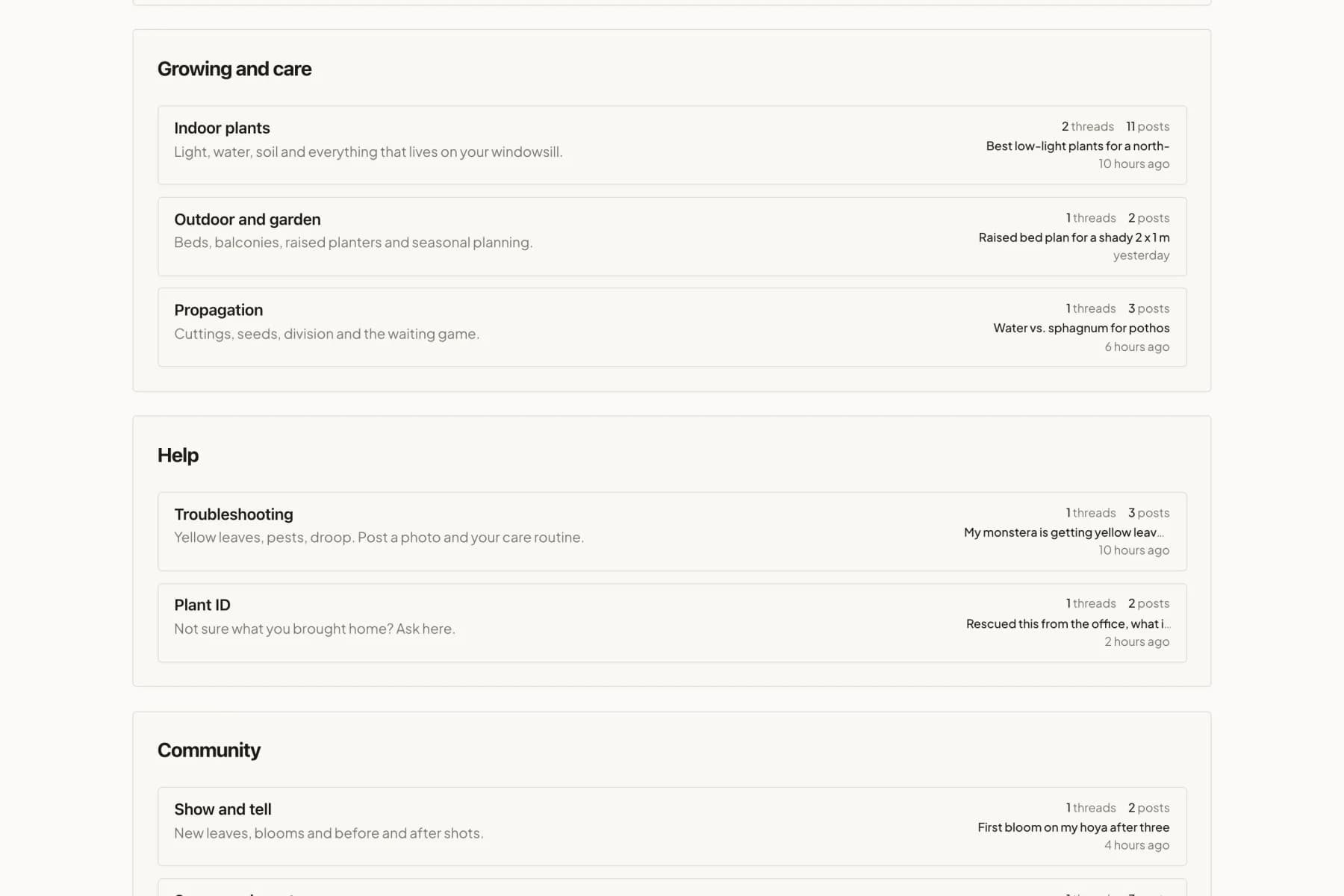
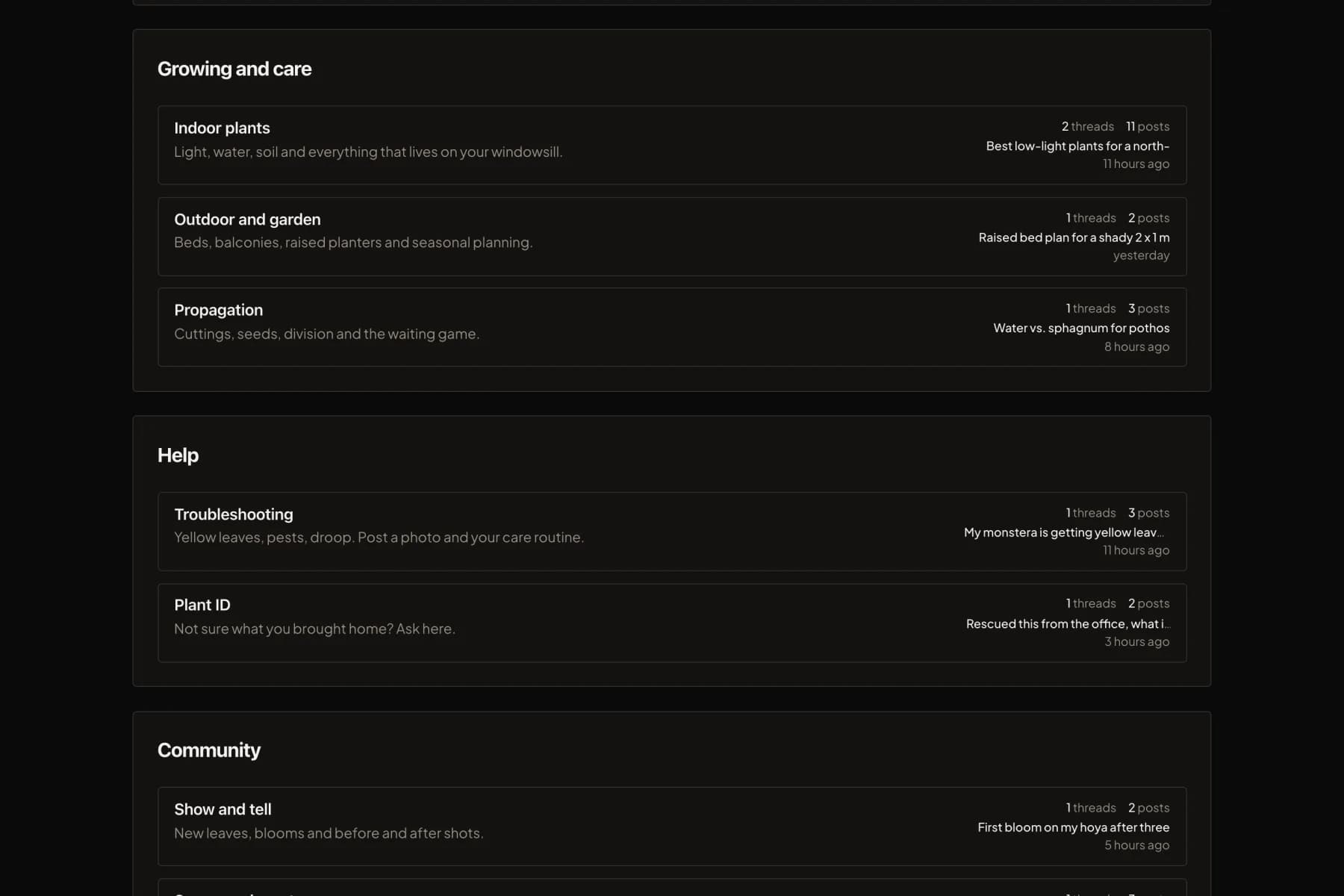
Categories and boards, with thread counts and the latest activity.
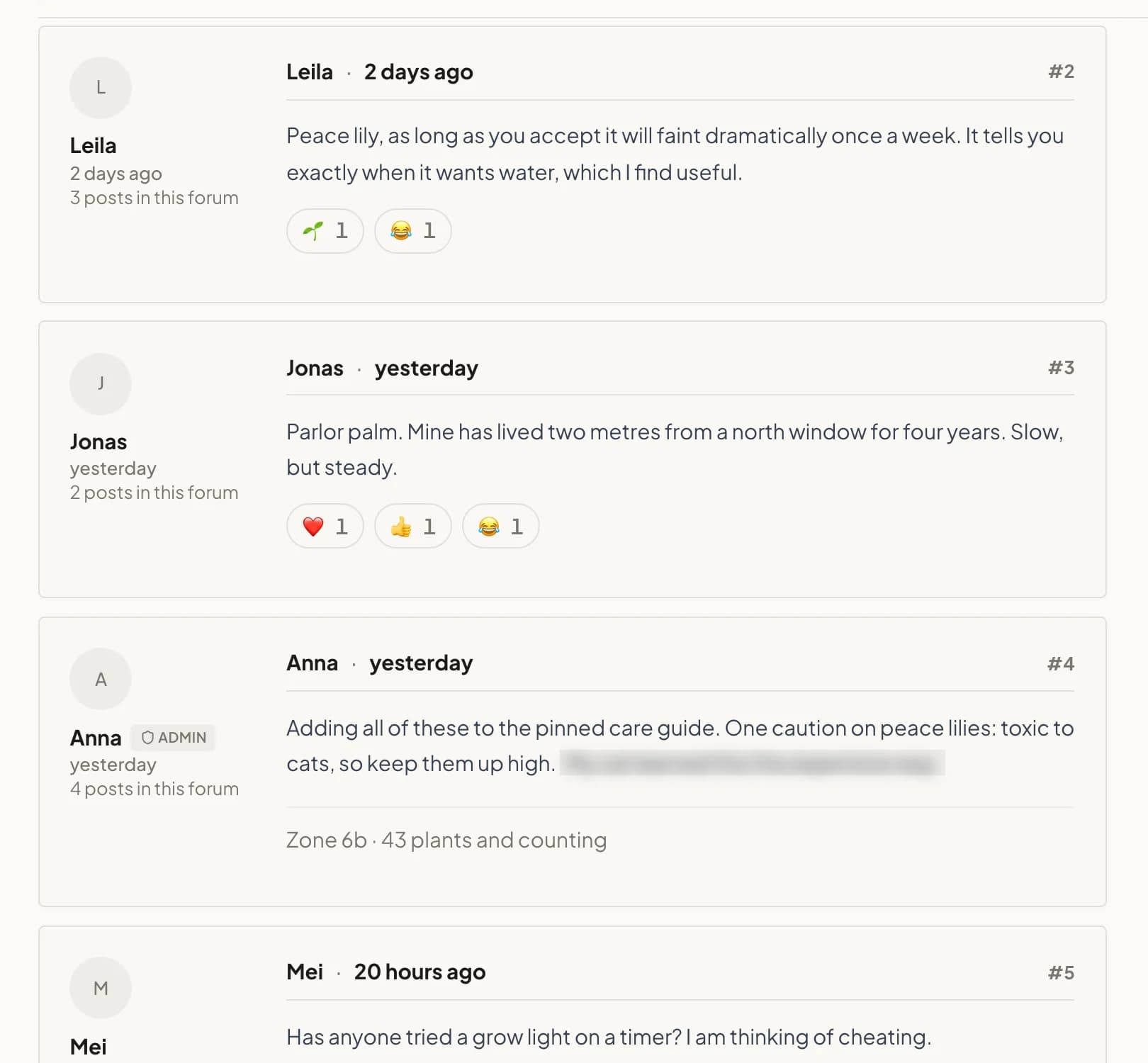
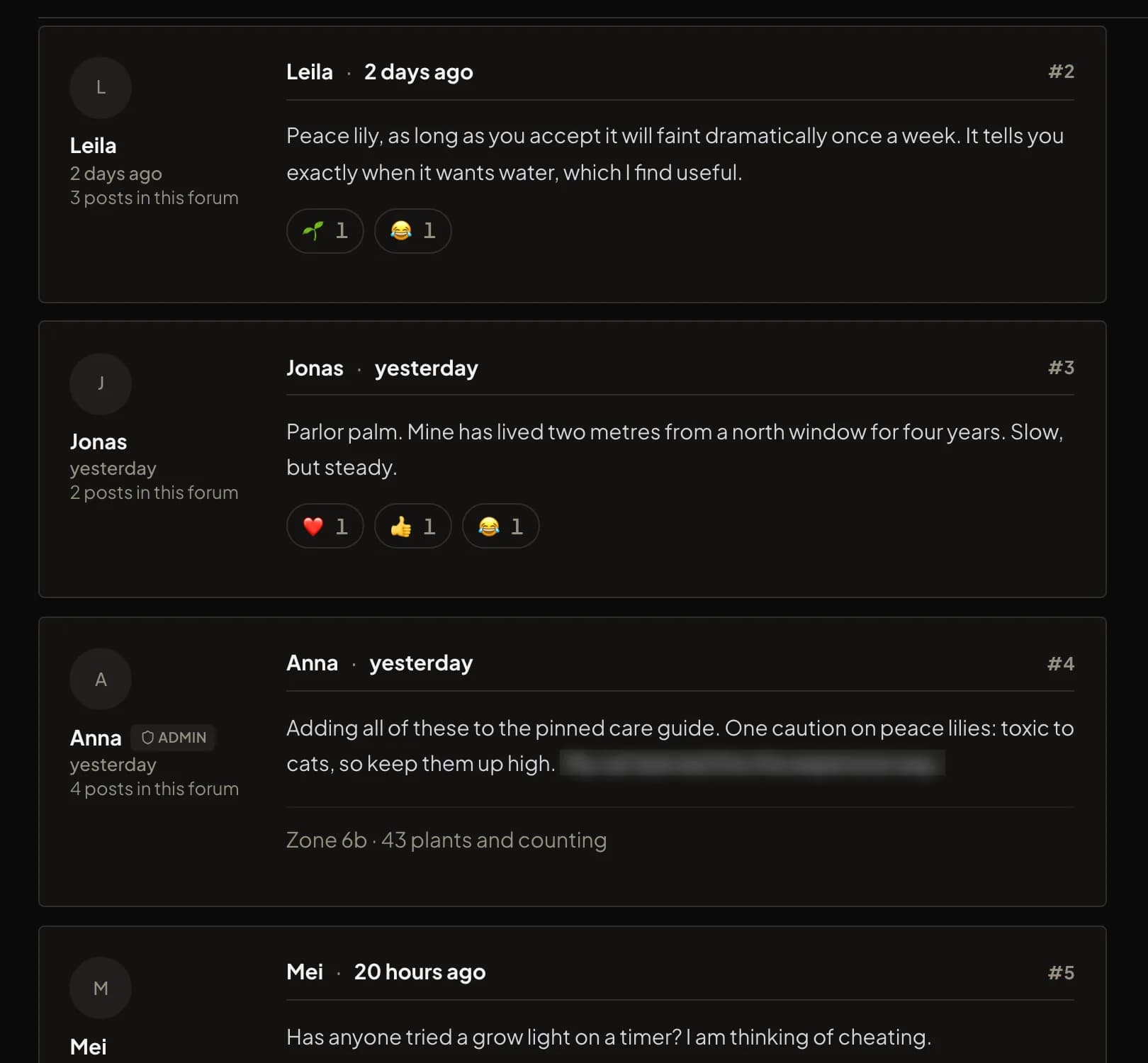
Threads with reactions, spoilers, signatures and staff badges. Light and dark mode.
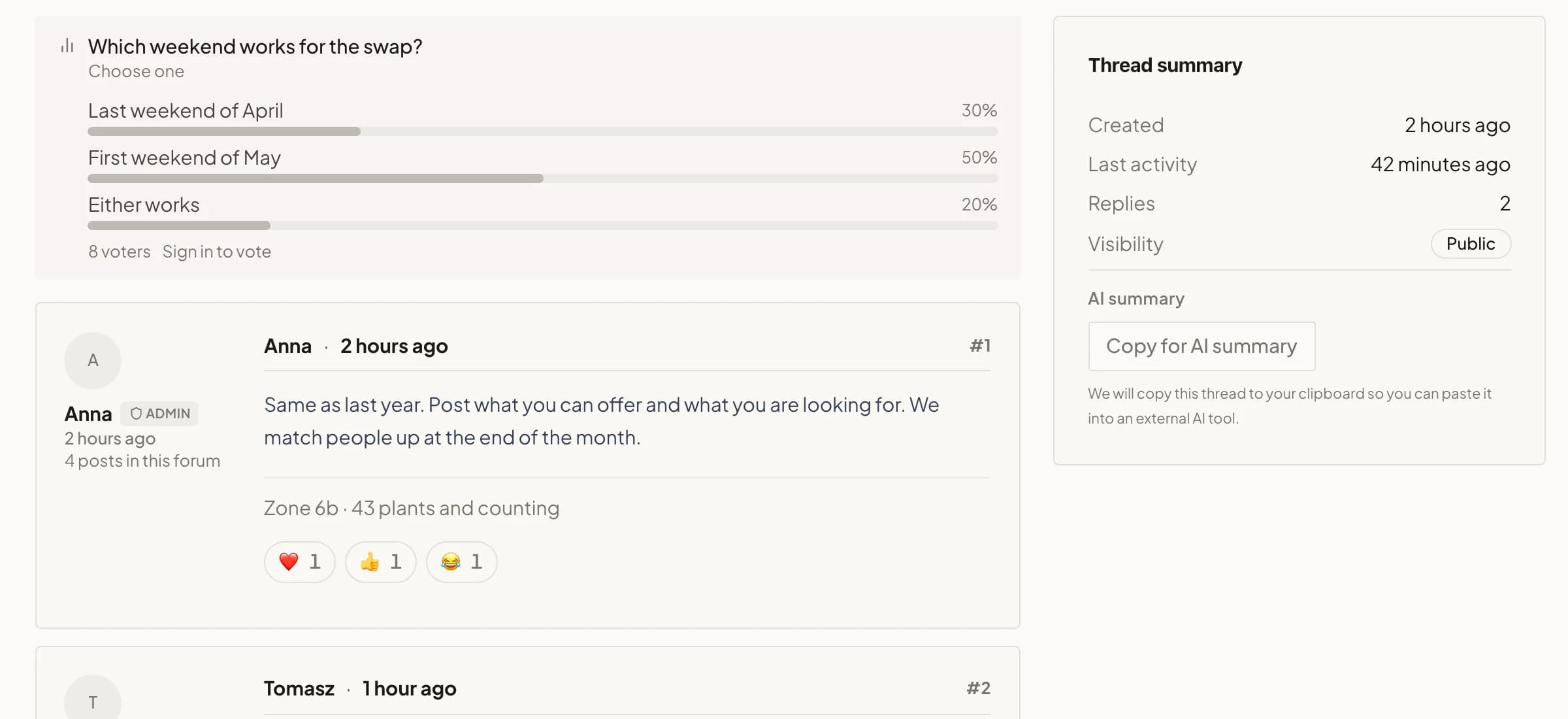
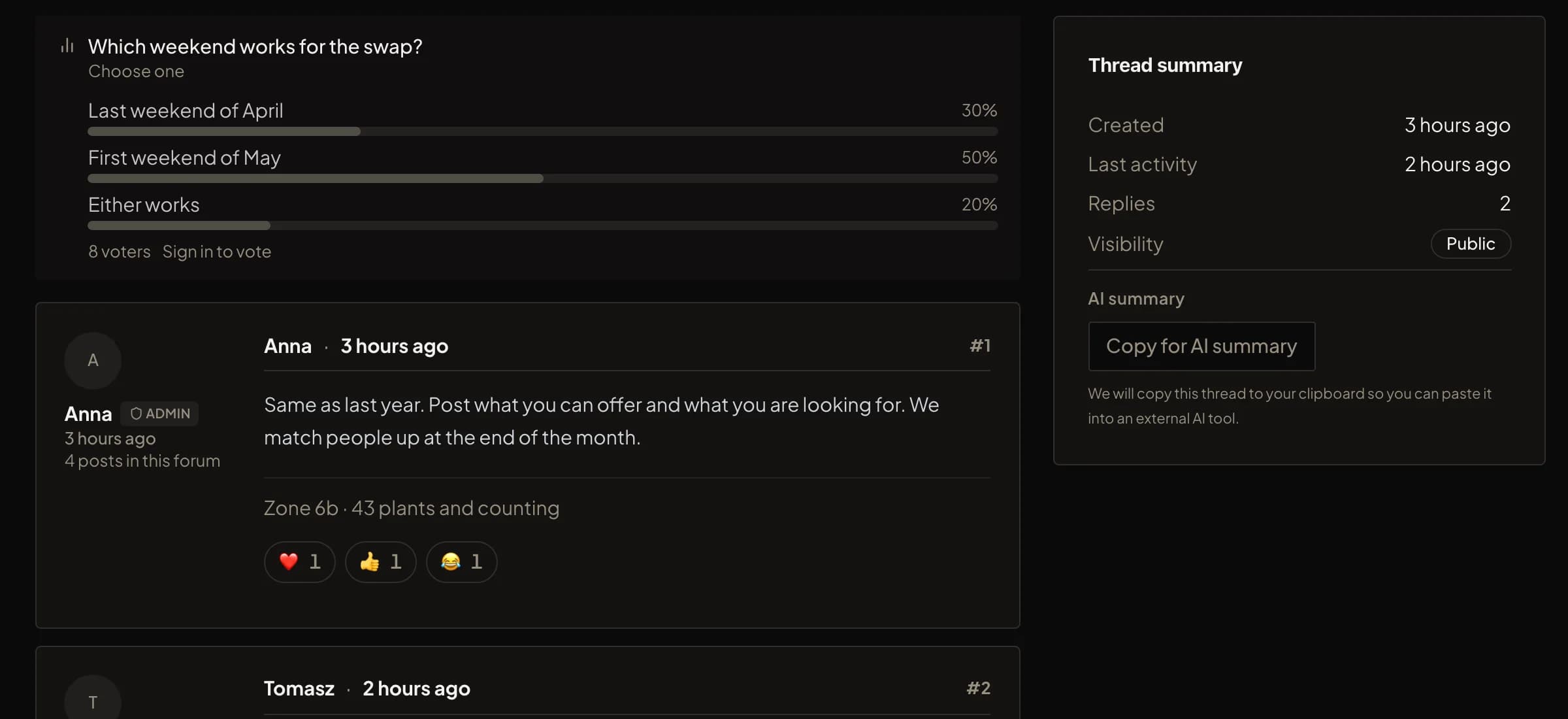
Polls, mentions and a thread summary are built in. Nothing to install.
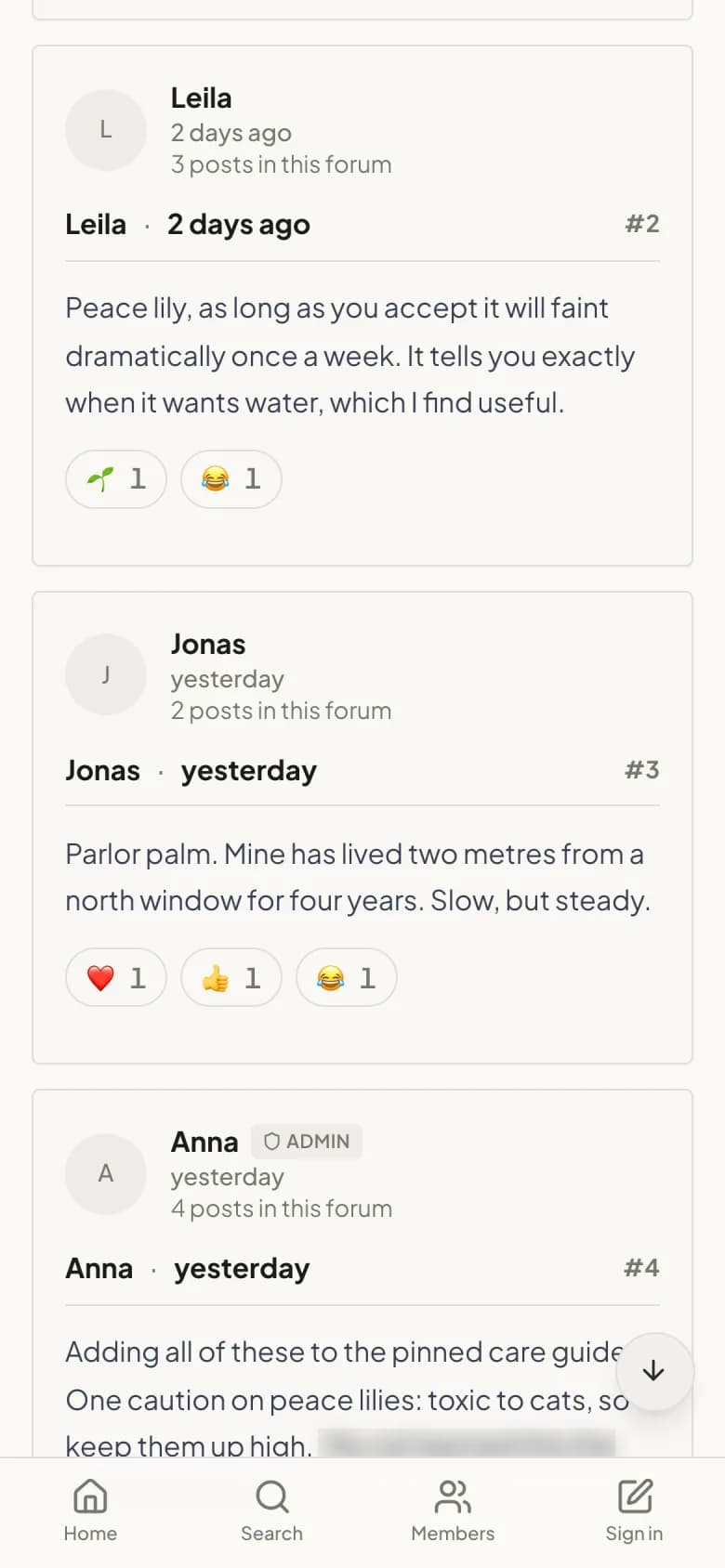
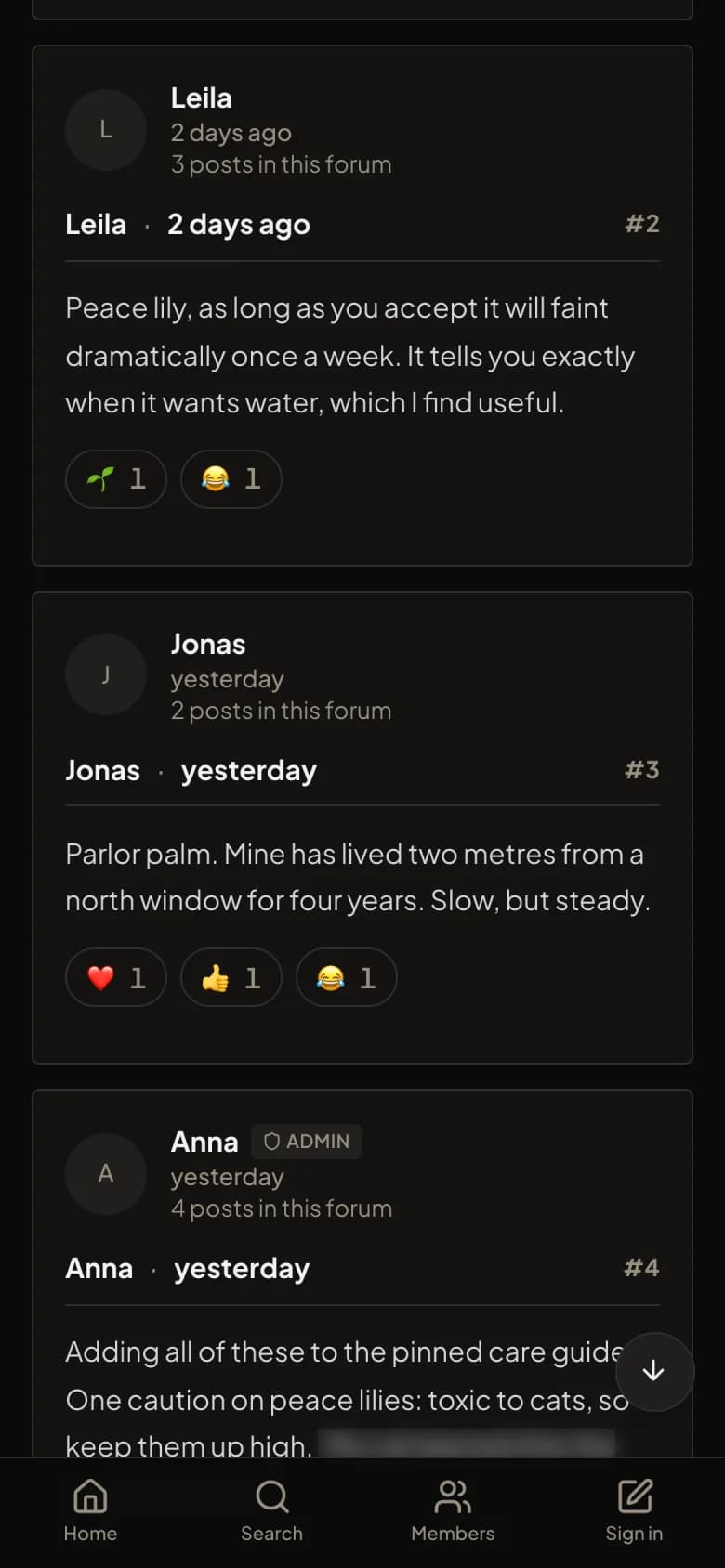
The same thread on a phone.
Not sure how to start the forum itself?
Theming comes after the forum exists. Here is how to build one, with an honest comparison of self-hosted software, free hosted builders and a hosted platform first.
Frequently asked
Make your forum look like it is yours
Presets get you most of the way there. Branding and a custom palette do the rest.
Create your forum